
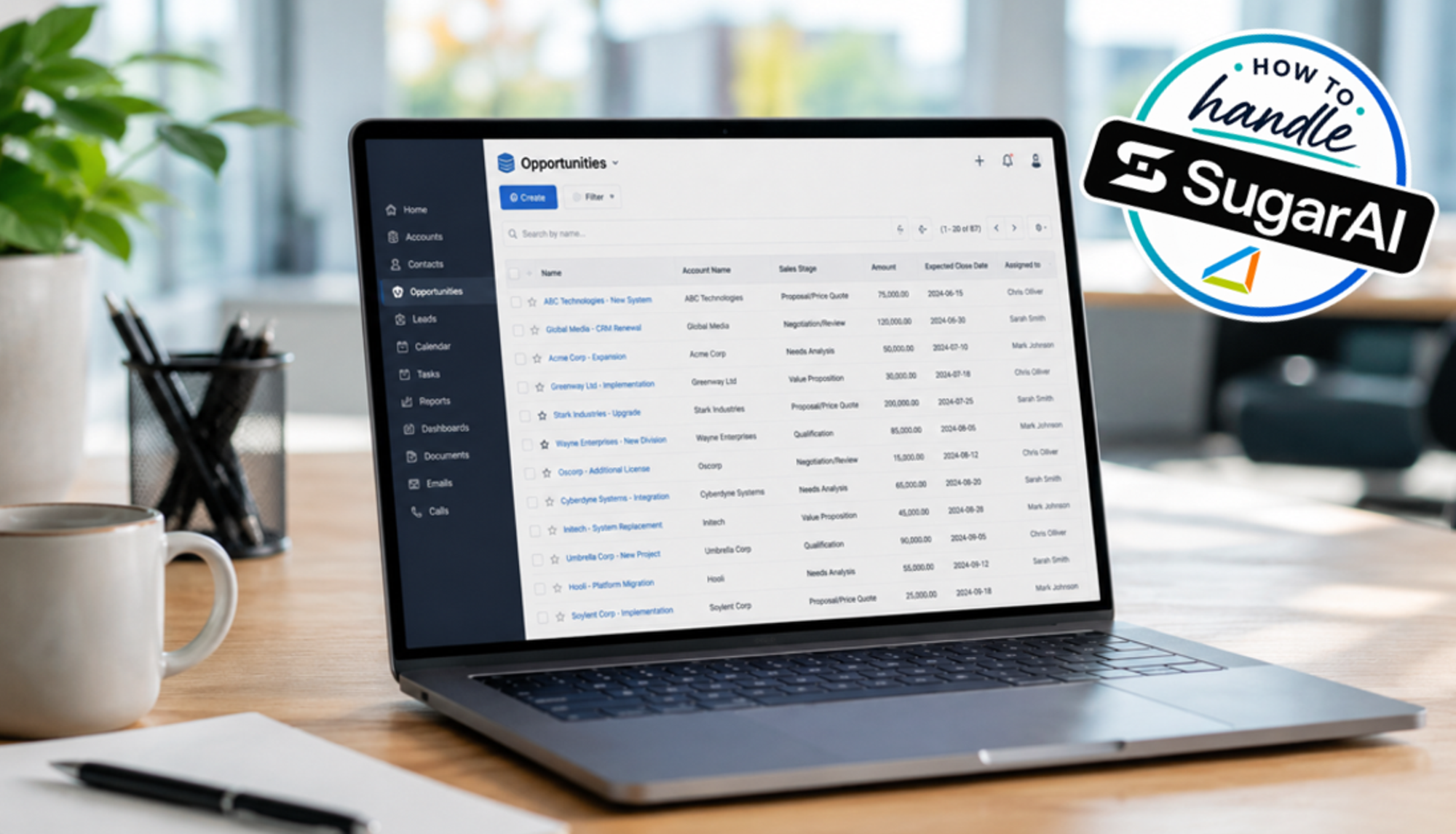
How to handle Sugar: Reach your goal faster with filters and list views
If you work with a CRM on a daily basis, you know the scenario: the information is actually all there. Yet, you still spend time searching for the specific records you need right now—such as which opportunities are close to closing, which contacts haven't been followed up on recently, which tasks remain open, and which records are actually relevant.
In Sugar, list views and filters help you extract exactly the information needed for your current task from a vast amount of CRM data. When used effectively, they can save you clicks and eliminate repetitive searches in your daily workflow.
List views: Don't show everything—show the right things.
As a Sugar user, you will encounter the list view in virtually all key modules—such as Accounts, Contacts, Leads, Opportunities, or Tasks. However, not every user needs to work with the exact same view; the displayed columns can be customized to suit individual information needs based on the available fields.
For a sales representative, for instance, the customer name, sales stage, expected close date, and opportunity value might be particularly important when viewing Opportunities. In contrast, the company, job title, email address, or assigned employee might take precedence for Contacts.
The fields available for selection also depend on your Sugar system's configuration. Administrators can use Sugar Studio to determine which fields are available to you for the list view.
Customize the list view
You can select which columns are displayed directly within the list view. Using the menu at the right edge of the column headers, you can show or hide available fields. You can also change the sort order for supported columns via their respective headers.
This may seem like a minor detail at first. However, for modules used on a daily basis, it makes a significant difference whether you can see the information you actually need for your work at a glance.
Find specific data records using filters

List views become even more useful when combined with filters. Sugar provides predefined filters for this purpose. Additionally, you can compile your own filter criteria using the "Build Filter" function. The displayed list is narrowed down based on the selected conditions.
For instance, instead of repeatedly navigating through the entire list of opportunities, a sales representative can specifically search for the records relevant to their current work. Examples of possible filters include:
- your own open opportunities,
- opportunities expected to close within a specific timeframe,
- leads with a specific status,
- open tasks,
- contacts or accounts with specific characteristics.
The specific criteria available to you depend on the respective module, the available fields, and the individual configuration of the CRM system.
Save recurring searches as a custom filter
The filter function is particularly useful for queries you need on a regular basis. In Sugar, a custom filter can be saved under a specific name and selected again later. This transforms a search that would otherwise have to be reconstructed each time into a personal working view.
As a sales representative, for example, you could create a filter for "My deals closing in the next 30 days." Or perhaps you regularly need a list of all open tasks or a specific group of customers.
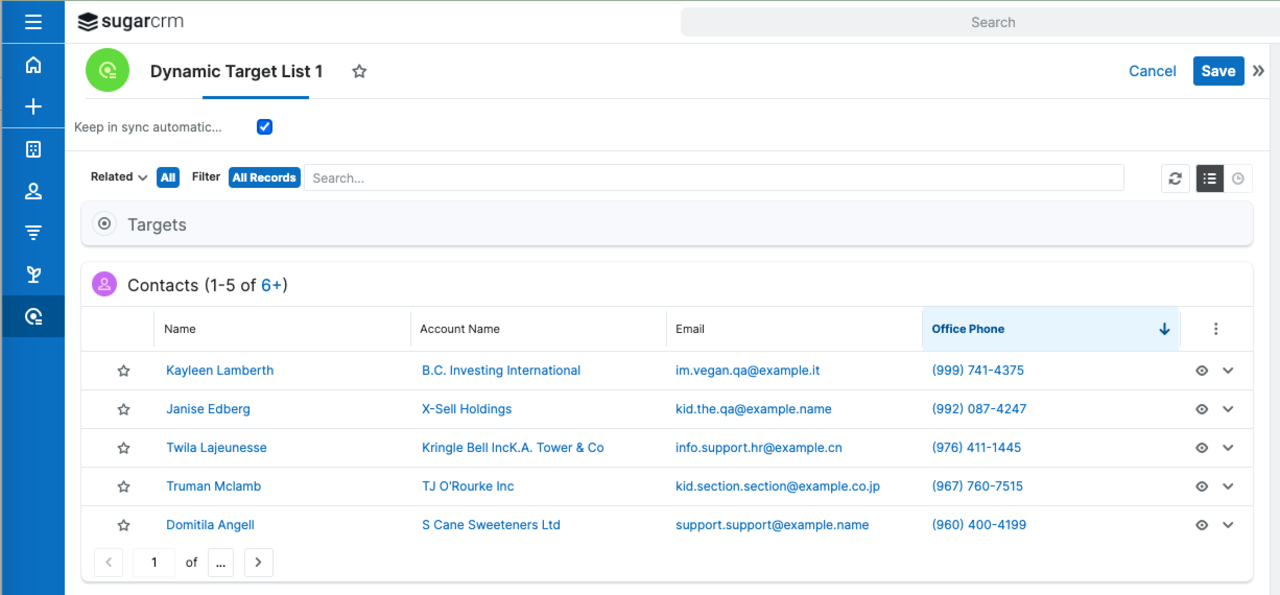
The crucial point here is not the technical function itself. It is about adapting Sugar to your own way of working, rather than starting from the entire pool of available data for every task.
A filter is only as good as the data behind it.

However, filters can only work with the information available and maintained within the CRM. For instance, if you want to filter for opportunities with a specific closing date, that data must be reliably maintained. The same applies to status information, ownership details, or other criteria.
This makes filters a useful indicator of data quality: if a query that ought to be meaningful consistently yields implausible results, it is often worth examining how consistently the underlying fields are being maintained.
Don't create as many filters as possible
The same rule applies to filters: more isn't automatically better. If numerous similarly named personal filters accumulate over time, the original benefit is quickly lost. It makes more sense to have a few work views that answer specific, recurring questions. For example:
- What do I need to work on today?
- Which sales opportunities require my attention?
- Which deals are coming up soon?
- Which records do I want to continue working on within a specific process?
This turns the filter function into a handy tool for organizing your daily CRM routine.
Conclusion: A small feature with a big impact on daily work.
List views and filters may not be the most spectacular features of a CRM system, but they are certainly among the ones you use most frequently. One thing is clear: configuring your views effectively and saving recurring queries as filters allows you to find relevant information faster and cuts down on unnecessary searching.
And that is precisely the difference between a CRM that merely stores data and one that genuinely helps you with your day-to-day work.
Do you have questions? Contact our experts. We can assist you with both optimizing your existing CRM and setting up your CRM functionalities.
Get in touch

Yours Frank Tjaben
Head of Sales
frank.tjaben@login-software.net
+49 89 2020447 25
 login-software.net